Tag Archives: USB-C

Getatek 10Gbps USB 5-in-1 HUB

Modern laptop with USB-C ports have the benefit of data speeds up to 5,10, or even 20Gbps. But to conserve space, many laptop and tablet makers also use the USB-C port as its charging port. This can be an issue when you want to charge and use multiple USB peripherals at the same time.

Some Thunderbolt 3/4 compatible USB hubs which also offer PD (Power Delivery) power passthrough can cost $30 or up to $200 for some “docking stations”. I use a laptop to conserve space and for portability, so finding a USB hub with a small footprint was also a primary criteria. Unfortunately many inexpensive hubs lack PD passtrough, are USB 3.0 or slower, or have HDMI or other peripheral connections I don’t need.

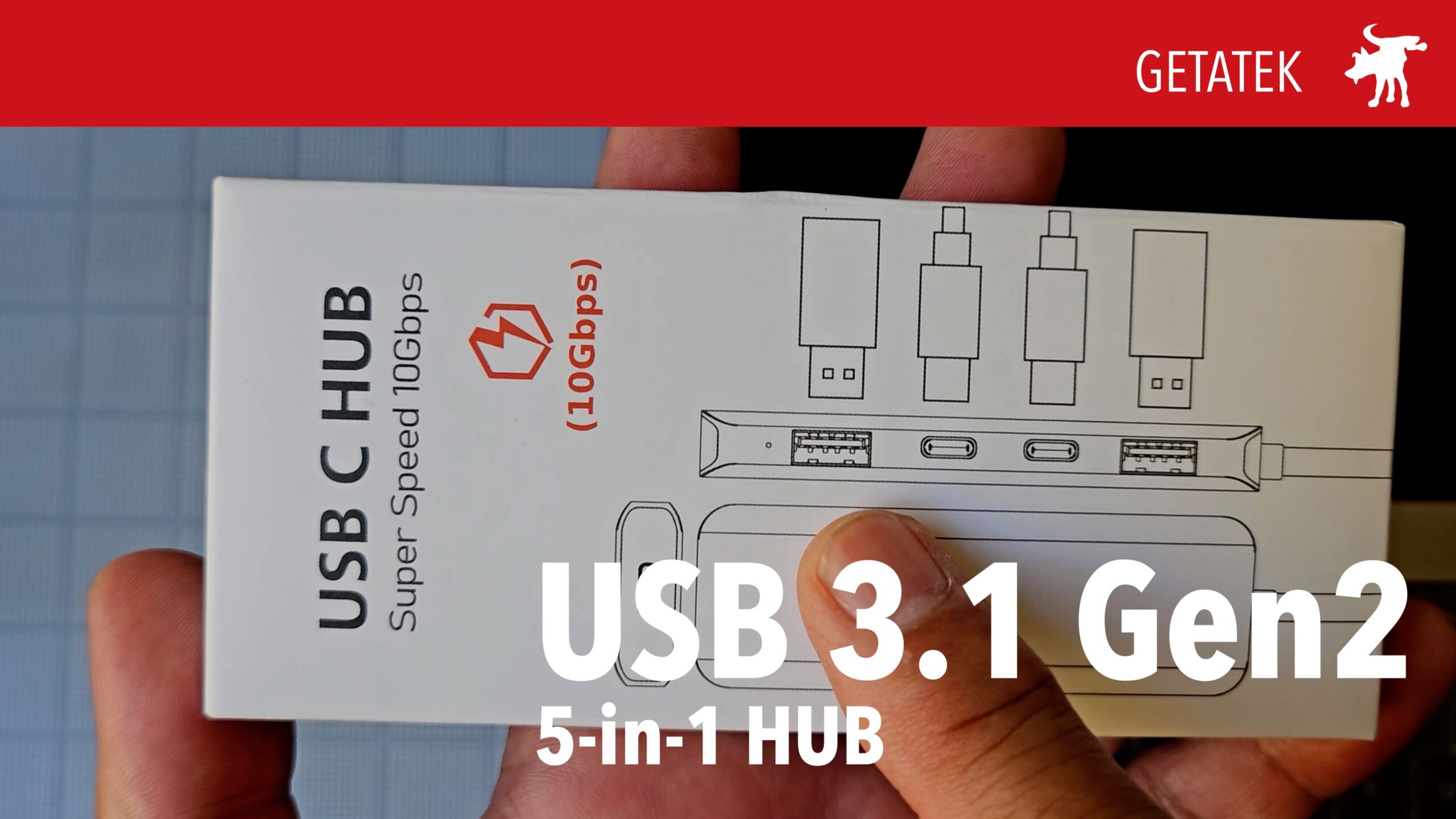
Fortunately, I found a Getatek USB hub on Amazon for under $18 (at the time of purchase, there was a 15% Prime discount). The Getatek hub has a mix of 2x USB-A and 2x USB-C ports that are USB 3.1 Gen 2 ports with data rates of up to 10Gbps. In addition, it has third USB-C port that allows for PD passthrough power. All in all, an ideal mix of USB ports and features.

In my testing, I was able to confirm that the PD port allowed a pass through approaching its claimed 100W capacity (my test charger is an older 90W Apple adpater). In my data testing using a SSD drive, I was able to get data transfer speeds over 8.5Gbps, which is close enough to its claimed 10Gbps max speed. I experienced some power drops initially but discovered this was caused by a poor connection in my testing cable and not the hub itself.

If you’re looking for one of the least expensive USB hubs with a mix of both old school USB-A ports and new USB-C ports, fast USB 3.1 speeds, and power passthrough, the Getatek may be an ideal choice. Or whatever brand this hub may be found under as it’s likely Getatek is yet another random OEM keymash brand.

RETAILERS

Amazon #commission https://amzn.to/48ly2q2
Doogee 65W Wall Charger

I was looking for a compact travel USB charger that could not just charge my phone but also charge my kid’s Nintendo Switch and if needed also charge my wife’s Macbook Pro. 65W is plenty for most devices including the every model of iPad and Macbook Air but the challenge is that a 15″ 2019 Macbook Pro uses a 85W charger.

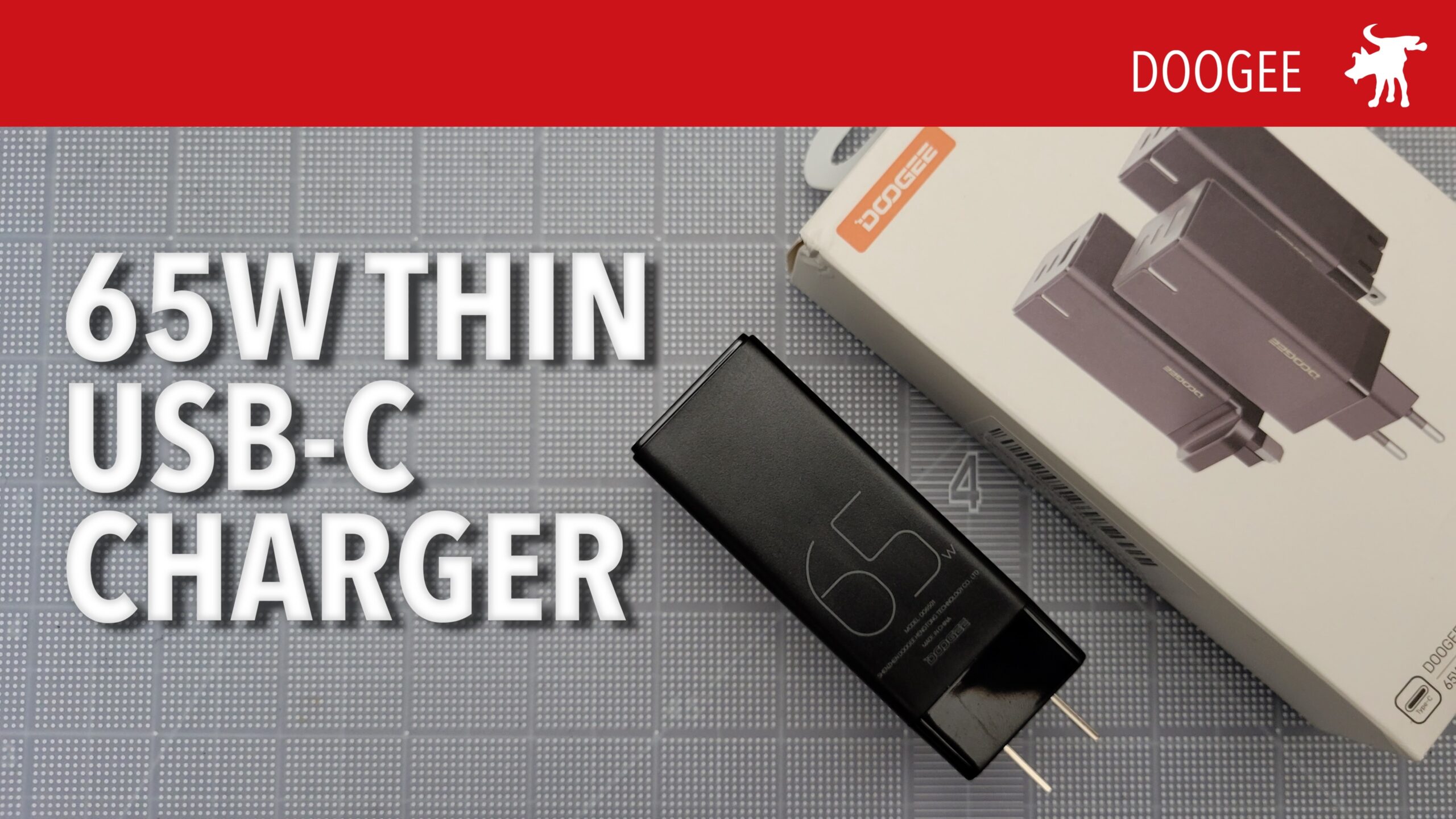
Fortunately Doogee sent me a 65W compact charger to try out. This charger features folding outlet prongs, 2 USB-C ports, and a USB-A port. And it does this in a relatively thin 1.25″ wide footprint to the socket, so it can be placed next to another plug on a typical powerstrip without blocking the neighboring sockets by its girth.

Testing on my devices, the charger easily charged my Samsung S21+ phone and Nintendo Switch. Plugging it into a 15″ Macbook Pro, it drew an 40-47W easily below the 65W max of the charger. While below the recommended Macbook power adapter performance specs, this should do in a pinch if we should run low on battery but need to send out that one last email or upload a needed project file.

This charger is available on Amazon: https://amzn.to/3Rstl4A

iSKEY USB-C Mag Adapter

I love USB-C as a standard except for two things: One, I wish it would have come sooner, like decades sooner. Being able to insert it correct-side-up every time is such game changer. Two, for the main power cable on a laptop, its potentially damage prone from accidentally forgetting to unplug it before moving it. My wife in particular has destroyed more than one USB cable this way (and we have young kids so not always her fault).

Apple solved this problem over a decade ago with the introduction of the MagSafe power connectors with their magnetic attachment points. An accidentally yank or trip over the a power cable would easily detach the cable, rather than pulling the laptop crashing down from a table to the ground. But in 2016, Apple laptops have switched USB-C/Thunderbolt ports as their primary data and power connection standard.

Thankfully 3rd party peripheral makers came up with a solution that adds MagSafe safety and functionality to USB-C. First introduced in the phone market, these adapters come in 2 parts. A USB-C insert that fits into your device with a magnetic end that connects to a magnetic adapter end that either connects to a USB-C cable or is part of a cable itself.

Unfortunately, some of these early models were simple adapters that only transmitted power and not date. And some were designed for phones and didn’t have the capacity to handle the higher wattage and amp requirements of a laptop. But if you search today you’ll find models that can handle 60W or more and also transmit data.

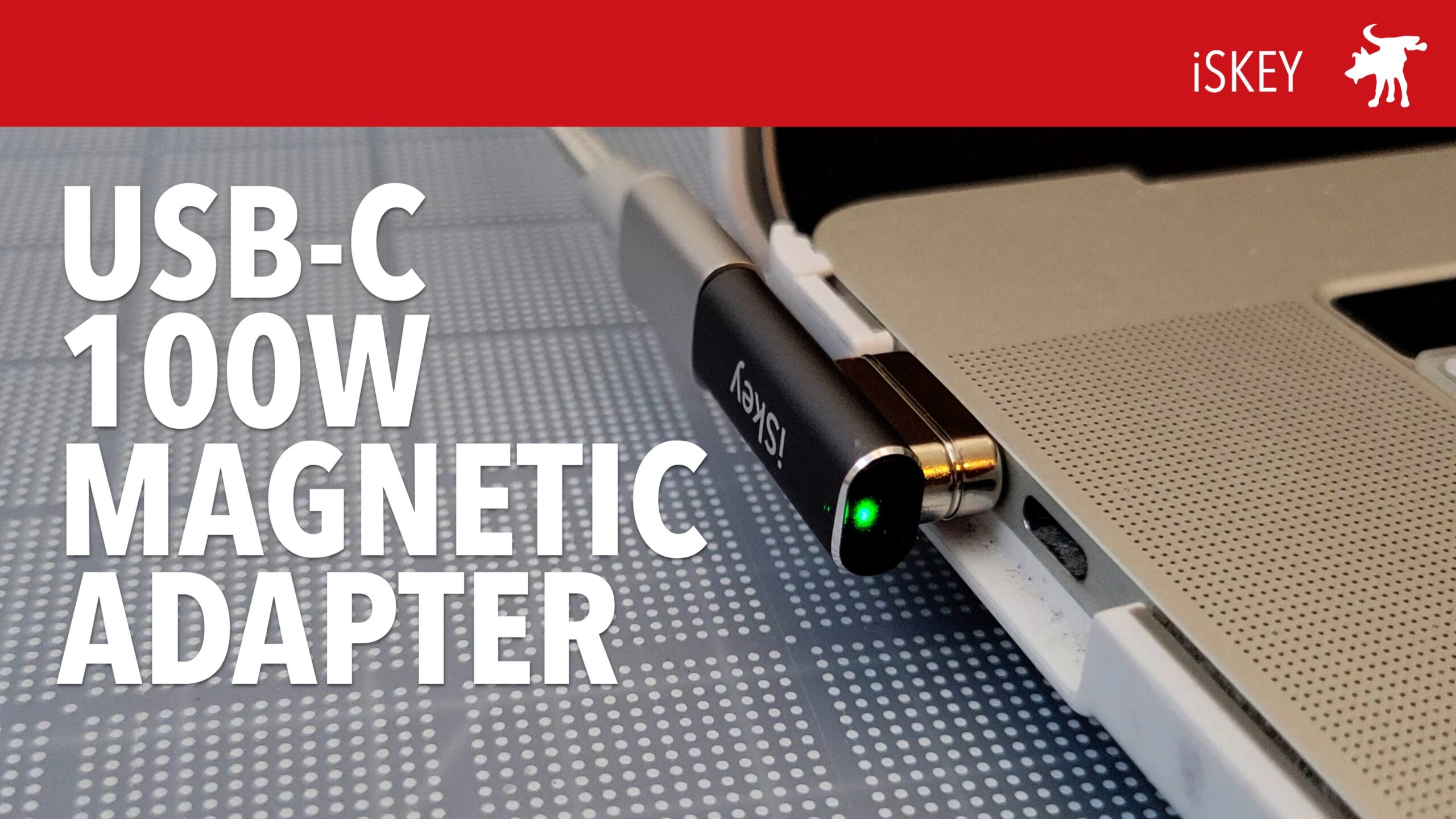
The iSkey (don’t ask me how it’s pronounced, I suspect something akin to a pseudo-Slavic sounding name?) 20-pin USB-C magnetic power adapter with a right-angle connection so that your USB-C cable is angled out of the way of your other port. In my testing, I found that it changed my wife’s 2019 MacBook Pro 16″ with a peak power throughput of 90W using my USB digital tester. I could also transfer data from my phone at a rates over 100Mb/sec.

It is a +$20 adapter which makes it a bit pricier than other adapters but many cheaper ones don’t promise up to 100W power or 40GB/sec data throughput. However, it is not perfect as the adapter does partially block the the neighboring port on the Macbook. Certain thinner USB-C connectors will be able to fit but this could cause a problem for some. In the box, it also comes with a small, green plastic tool to assist you in pulling out the male end of the adapter but the magnetic end may be strong enough to extract from your port of pulled directly out and slowly.

BUY IT


Amazon affiliate link to iSkey https://youtu.be/Ozf5PY-AzEk

Same device sold under the Redbean brand: https://amzn.to/3yKwEQB