Tag Archives: Macbook

MNN Budget LCD Monitor

The 2016 Macbook Pro had a fatal flaw in its hinge design. Over time and with use, the monitor wiring passing through the hinge would frey and cause the monitor to turn off when the monitor face is raised into normal operating position. Recently my wife’s 2016 began experiencing the “Dead Screen” problem which progressed to the point that she could only open the hinge about 4 inches before it would deactivate.

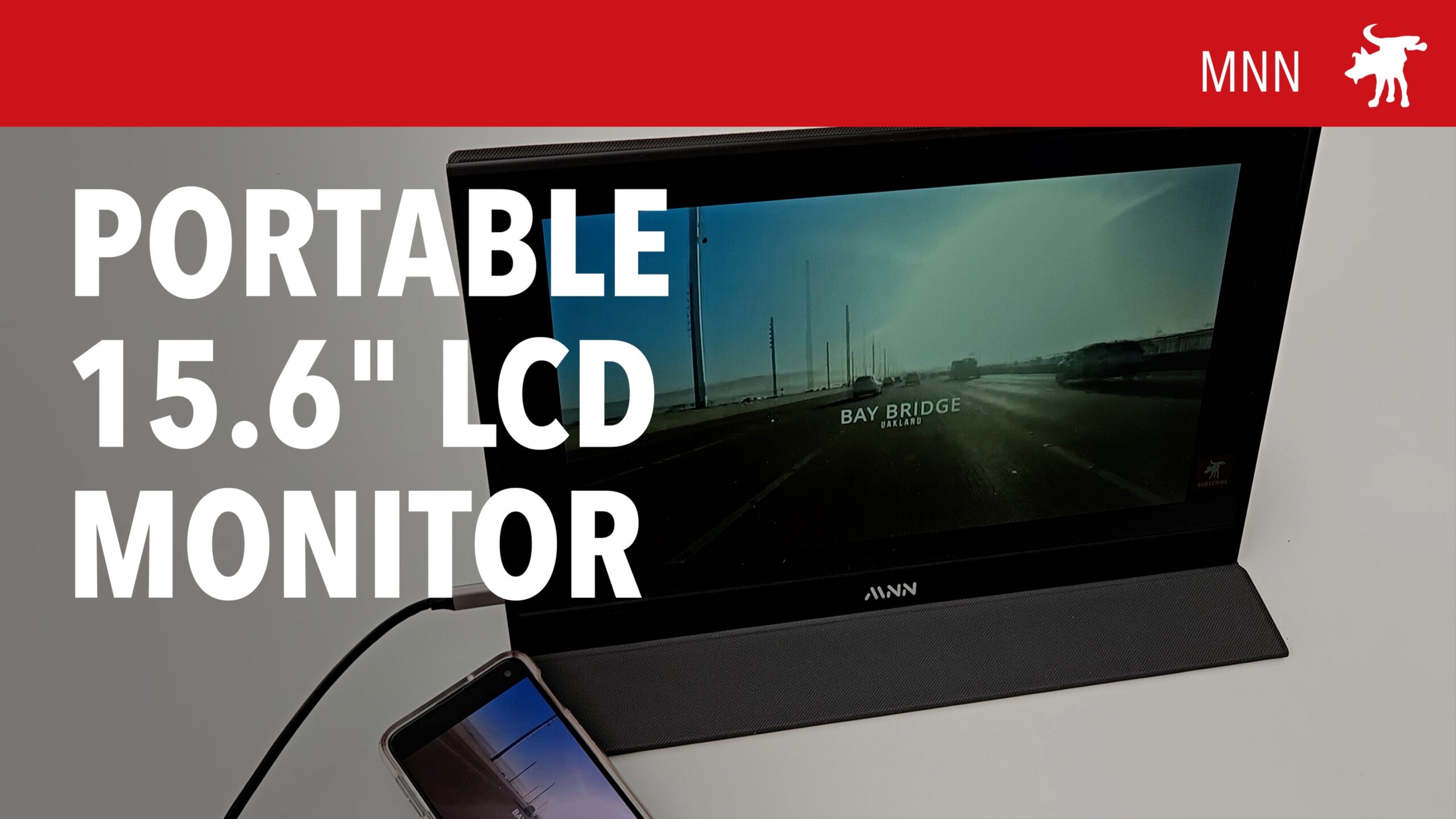
Fixing her screen would required replacing the entire LCD screen and display wiring which costs over a hundred dollars; almost as much as buying a used Macbook. As a hack, I purchased an inexpensive MNN portable LCD monitor from Amazon. The package includes a 1080p color screen, USB-C and HDMI cables, and a magnetic cover that can be folded into a monitor stand.

Plugging the MNN screen into the Macbook USB-C port, the LCD screen automatically synced to Mac and functioned as an extended monitor. Changing the System Prefs I was able to change the MNN to a mirrored monitor. This allowed me to functionally replace the Macbook screen with the MNN monitor.

I also tested the MNN monitor connecting it to my phone and it effortlessly sync and mirrored my phone screen. Color rendition was fair though not as intense or sharp as my Samsung OLED display. It also has built in speakers but these provide disappointingly thin sound.

AFFILIATE RETAILER LINK

Amazon https://amzn.to/3Wc5Imm
iSKEY USB-C Mag Adapter

I love USB-C as a standard except for two things: One, I wish it would have come sooner, like decades sooner. Being able to insert it correct-side-up every time is such game changer. Two, for the main power cable on a laptop, its potentially damage prone from accidentally forgetting to unplug it before moving it. My wife in particular has destroyed more than one USB cable this way (and we have young kids so not always her fault).

Apple solved this problem over a decade ago with the introduction of the MagSafe power connectors with their magnetic attachment points. An accidentally yank or trip over the a power cable would easily detach the cable, rather than pulling the laptop crashing down from a table to the ground. But in 2016, Apple laptops have switched USB-C/Thunderbolt ports as their primary data and power connection standard.

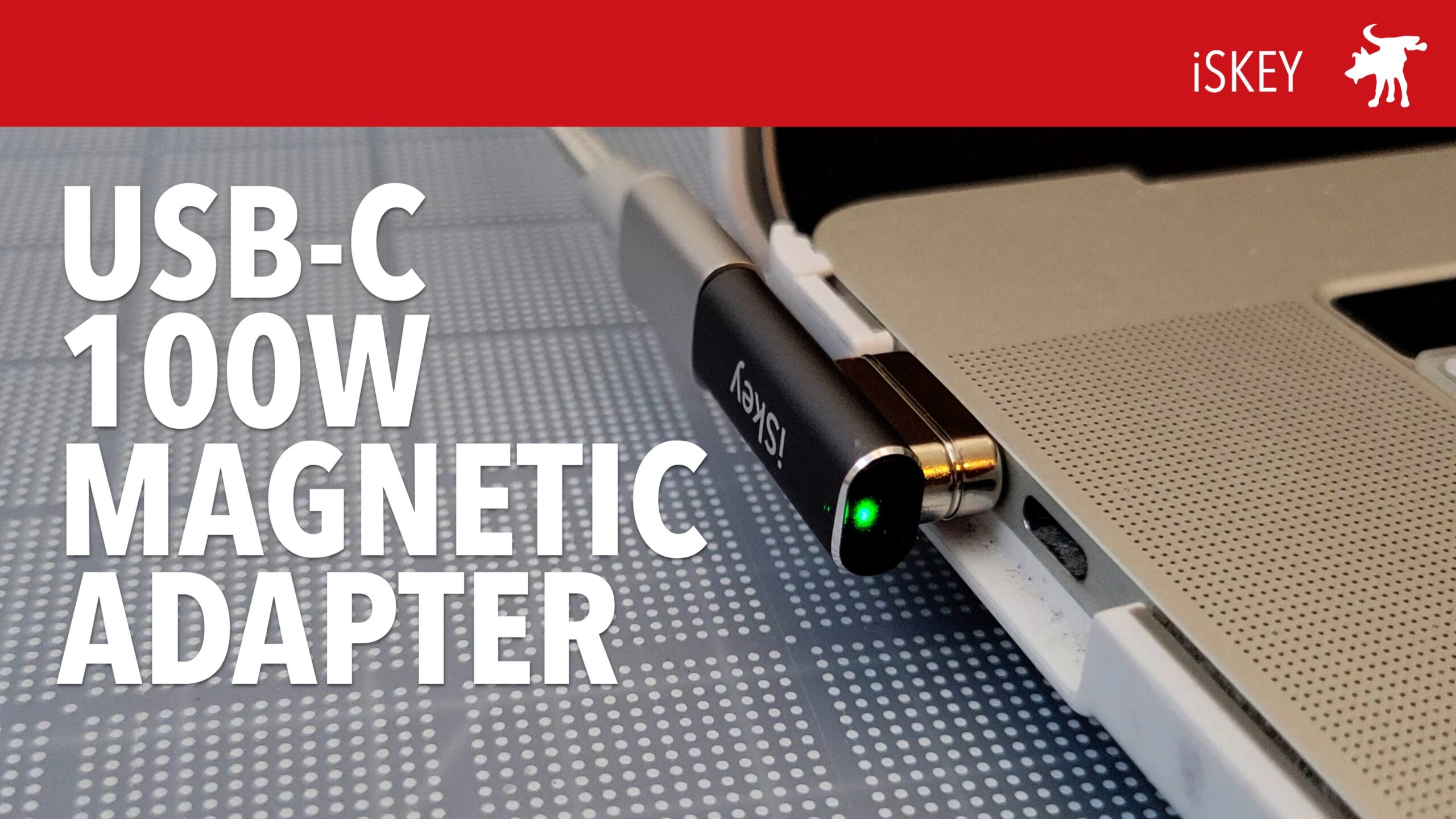
Thankfully 3rd party peripheral makers came up with a solution that adds MagSafe safety and functionality to USB-C. First introduced in the phone market, these adapters come in 2 parts. A USB-C insert that fits into your device with a magnetic end that connects to a magnetic adapter end that either connects to a USB-C cable or is part of a cable itself.

Unfortunately, some of these early models were simple adapters that only transmitted power and not date. And some were designed for phones and didn’t have the capacity to handle the higher wattage and amp requirements of a laptop. But if you search today you’ll find models that can handle 60W or more and also transmit data.

The iSkey (don’t ask me how it’s pronounced, I suspect something akin to a pseudo-Slavic sounding name?) 20-pin USB-C magnetic power adapter with a right-angle connection so that your USB-C cable is angled out of the way of your other port. In my testing, I found that it changed my wife’s 2019 MacBook Pro 16″ with a peak power throughput of 90W using my USB digital tester. I could also transfer data from my phone at a rates over 100Mb/sec.

It is a +$20 adapter which makes it a bit pricier than other adapters but many cheaper ones don’t promise up to 100W power or 40GB/sec data throughput. However, it is not perfect as the adapter does partially block the the neighboring port on the Macbook. Certain thinner USB-C connectors will be able to fit but this could cause a problem for some. In the box, it also comes with a small, green plastic tool to assist you in pulling out the male end of the adapter but the magnetic end may be strong enough to extract from your port of pulled directly out and slowly.

BUY IT


Amazon affiliate link to iSkey https://youtu.be/Ozf5PY-AzEk

Same device sold under the Redbean brand: https://amzn.to/3yKwEQB