Tag Archives: Vlogging

Face Tracking Phone Camera Tripod Mount

Having a camera on a motorized gimbal that could automatically center itself and points to you is a cool idea but until now was crazy expensive. With advances in electronics and facial recognition software, a tracking tripod mount that used to cost hundreds now can available for under $20. I purchased one online with the intent of using it for my video production. But they say you get what you pay for, so I thought it best to tested it out.

The tracking mount comes in 3 color choices in a plastic with a USB-C rechargable internal battery. It mounts to a tripod via a 1/4″ photo screw at the base. It comes with a screw on circular base so that you could place it on a table top flat surface and use the motorized mount alone to film with your phone.

The top of the unit has a spring loaded clamp that holds your phone (or possibly a small camera) and tilts and rotates to allow for both vertical or horizontal orientations. The power button turns the unit on with a long press and two quick taps when on, puts the mount on a slow 360º rotation mode.

When on, the unit automatically tracks to center the mount on a face in front of the mount. A small camera at the base views a subject and can be tilted. I was not able to test the mount using multiple subjects or groups of people. Presumably the mount would not be able to identify the “primary” subject.

The tracking can be disabled by holding your hand up like a Stop Sign. Then reactivated by holding up an OK symbol with your fingers. There is no remote included with the model I bought, but I have seen more expensive models online with remotes.

Tracking was good but reactive and not predictive. The unit tries to catch up to your face but if you move to quickly it can not keep you in the center until it catches up. The movement speed does speed up depending on how quickly you move. Short of sprinting or bounding out of frame, the unit managed to catch up eventually. Unfortunately, the unit always places the subject with a face in the center of the field of view so you can’t do 1/3 framing of your shots.

For solo travel vloggers, the P01 could be an easy way to allow you some freedom when showing off and pointing out locations behind you. In addition, in 360º mode, it can be used to create tasteful pan B-Roll footage. For the price, I think this would be a useful took for vloggers.

This mount came in a generic box marked P01 but having no other branding. It is sold on Amazon under various brand and store names.

ONLINE RETAILERS

Support my channel using these commissioned affiliate links

Amazon (under various brand names): https://amzn.to/4607QPM

Stouchi USB-C Audio and Charger Adapter

I love USB-C for so many reasons like the higher charging speeds, the higher data rates, and especially because you can’t insert it upside down. Can I get an Amen?! But what I don’t like is that all the newest phones with USB-C have gotten rid of their 3.5mm audio ports.

I get it, they want to save money. They figure we’re all going to BlueTooth earbuds (and I do love wireless connections to listening to audio). But for those of us who vlog or take video with an external mic are kind of screwed.

I bought a Samsung USB-C DAC (Digital Audio Converter) dongle which adds a 3.5mm audio port to your phone. Unfortunately this takes up my one and only USB-C port on the phone, which means I can’t charge while I’ve plugged in a mic. Worse, the quality of the recorded audio sounds digitized in low-fi with audio artifacts and drop-off.

I looked on Amazon for a DAC with a power port and found this Stouchi. While I didn’t like the dongle format (preferring a design that docks to the bottom of the phone), this adapter had a better rating that did claim to have a retain a full data rate.

In the video you can hear the different audio from the phone’s built-in mic, the Samsung DAC, and the Stouchi DAC. The Stouchi had the best audio quality in terms of overall sound level and quality. It also allowed me to charge the phone with an external battery power bank while recording. I’m looking forward to using this to record much better audio at next years Shot Show.

The Stouchi DAC is available through my Amazon Affiliate link: https://amzn.to/3POHLLI

Fulaim Cardioid Lav Mic

Lavalier or Lav mics for short are a mainstay of film and video audio. They allow you to record a subjects voice or dialogue while helping to isolate their voice from background noise. This isn’t always fully achievable in a noisy environment but its results are generally much better than the audio from the camera’s built-in microphone.

Microphones generally come in two audio pickup patterns: omni-directional and cardioid. Cardioid patterns are more sensitive to sound directly in front of the microphone and less sensitive to background sound. But cardioid lav mics generally require an outside power source (Phantom Power) to drive their electronics. And cardioid lav mics are also generally more expensive.

I was surprised and a little dubious when I found that a company named Fulaim sells a microphone that they claim has a cardioid pattern that can be plugged directly into a camera or 3.5mm jacked phone without the need for Phantom Power from a mixer. I was even more incredulous when I saw the price. At the time I purchased it, I paid $12.99 on Amazon and it has since dropped to $9.99!

The Fulaim lav mic has a very long 19.7″ cable. The Fulaim unit uses a standard 3.5mm audio jack with a control switch can be selected for either TRS (camera or stereo audio) or TRRS (phone) connections. The control panel also contains a switch to select for either Omni or Cardioid polar patterns.

For the audio testing, I went to the Stonestown Shopping Center the weeked after Christmas when I knew the mall would be full of shoppers. This presents a difficult challenge for any video audio on the best of times, with crowds of people walking, talking and plenty of reflective surfaces to create echos and amplify and the background clutter.

I connected a Rode Wireless Go II unit to my Samsung Galaxy S22 phone. One transmitter picked up raw audio through its built in omni-directional microphone. I plugged in the Fulaim lav mic to the other transmitter. Each transmitter was on its own split audio channel so I could hear the difference.

I tested the Fulaim in both omni and cardioid modes. I could clearly hear a difference when using the Fulaim in cardiod mode vs the Fulaim in omni mode or the raw sound from the Rode transmitter. The Fulaim in cardioid did not isolate my voice from the background noise but it was noticeable though subtle improvement. Overall sound quality was typical for a budget lav mic. Useable but not anything as true or rich as a professional lav mic.

I also compared this to a $36 Comica cardioid lav mic which had with slightly lower audio pickup. After adjusting the gain in post, the Comica and Fulaim sounded identical in terms of voice isolation. The Fulaim had slightly more bass response and was a 1/3 the price of that budget lav mic option.

For serious videographers and film makers, the Fulaim will not replace your hundred dollar Shure or Sennheiser lav mics. But for budget vloggers and content creators, the Fulaim lav mic at under $15 is a no brainer. Buy it and use it so we don’t have to hear the distractions.

Available on Amazon through my affiliate link: https://amzn.to/3YZXuwi

Sunwayfoto TT2340CE Tripod

When I was offered a travel tripod by SunwayFOTO, I wasn’t expecting more than another clone Chinesium tripod that would likely last long before some screw stripped itself. What I got was a feather light carbon fiber tripod that impressed me.

This tripod comes in a black velvet pouch containing the folded and collapsed tripod and a plastic pouch containing four Allen wrenches (to tighten screw joints which work their way loose over time) and a cleaning cloth. While the velvet was probably meant to make it feel high end and protect the parts, it does make for a dust magnet.

The tripod weighed in at 1.67 oz on my scale and that includes the metal ballhead! The overall length when collapsed was barely 14″. Technically I’ve used lighter tripods but these were mini-tripods or accessory tripods; not real photo tripods that you could mount a full sized DSLR and telephoto lens with any confidence or stability, and certainly not at eye level. Fully extended, the tripod stands at 52″ in height, perfectly standard.

The ball head has a slight divot cut in the ARCA QR mount to make room for the tripod foot to rest in it, making the tripod just few millimeters smaller. Levers were used instead of twist heads for added torque on locking joints. These little design details make the SunwayFOTO stand out as a cut above typical tripods. As does it’s price, which is a around $220 as of this writing, so not as expensive as some higher-end carbon fiber tripods; it’s certainly not cheap.

The leg segments lock and unlock with a 180º twist at the feet. They utilize an internalized locking mechanism without individual locking rings at the segments, so extra care needs to be made if you attempt to retract an individual leg or segment, as twisting the outermost segment can transfer torque and unlock the previous segment. This makes adjustments on uneven surfaces tedious but this also makes deployment on normal level surfaces extremely fast.

I was able to unfold and depoly the tripod in under 19 seconds pretty much the first time without rushing it. And the leg extension and locking can be done essentially one handed. This makes this tripod ideal for guerrilla-style shooting where you have to get into position fast, get your footage an go.

The light weight, fast deployment, and compact size make this an ideal travel tripod or live event vlogging tripod. This will surely be my go-to tripod for my range videos and I’ll be sure to give those leg locks a thorough durability test in the near future.

This is available on Sunwayfoto’s website. Use this link and get 5% off using code: MOONDOG
https://sunwayfoto-store.com/?ref=pwwCNnfb

VeGue VM30 USB Mic


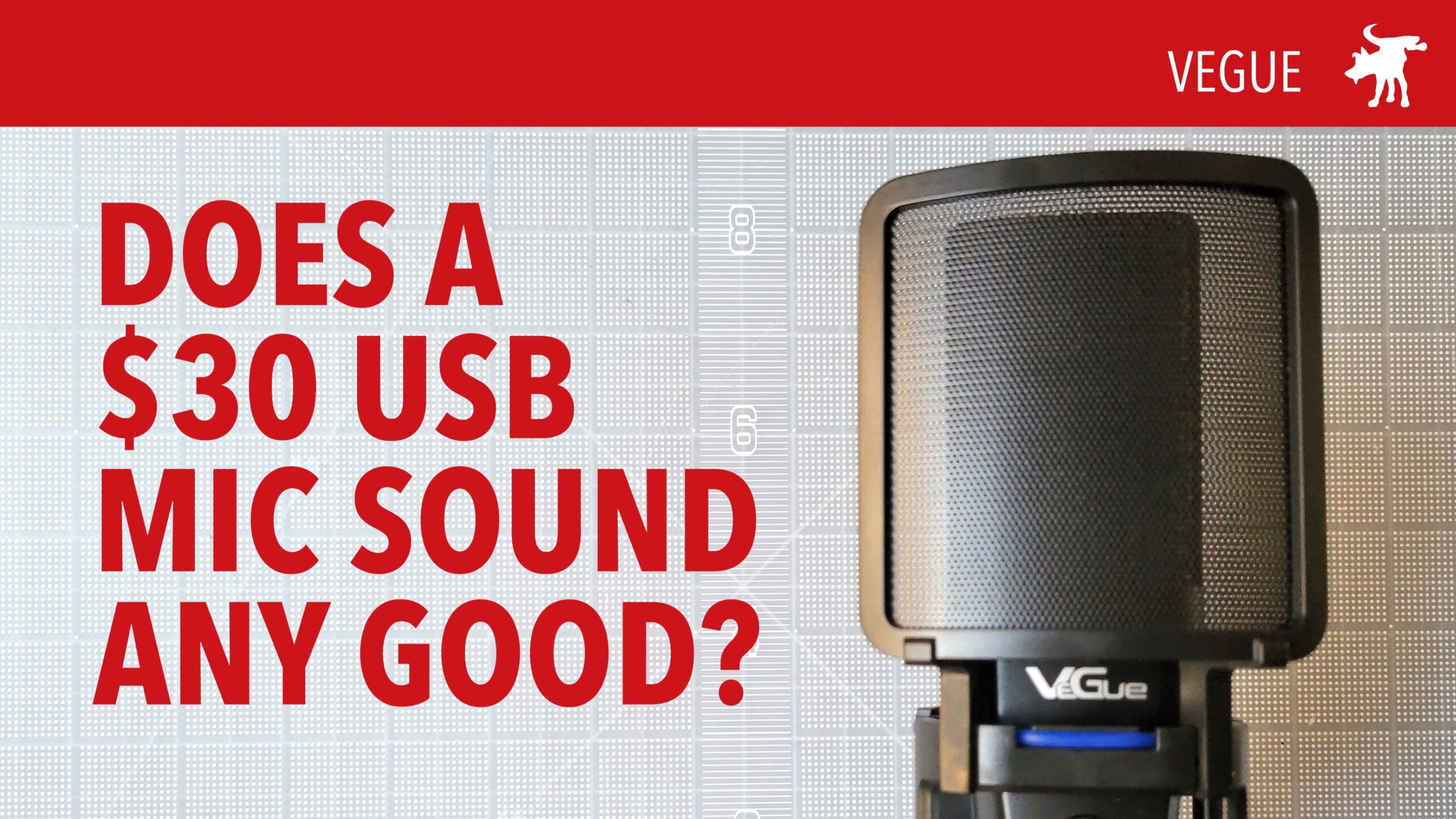
VeGue sent me their VM30 USB Condensor Microphone to test and evaluate. It is powered by a USB 3.0 cable which connects via USB-A or USB-C to your device or PC. Connecting via USB eliminates the need for a microphone mixer/pre-amp. While audio engineers and audiophiles will insist that a budget mic with a built-in, analog-to-digital audio converter will probably be sub-standard for master recordings, I doubt the average user or consumer will notice any difference or deficiency; I can not.

The shortcomings of this budget mic are a low sensitivity and dynamic range. One really needs to get very, very close to the microphone to achieve a warm resonance in tone. But the mic often clips when you get too loud but sounds very muted if you get more than a few inches away from it.

It has some nice features such as a 3.5mm headphone monitoring jack, a built-in gain dial, and a mute button (for Zoom meetings this is handy). Its shortcomings are its cheap plastic build, unforgiving dynamic range, and low audio sensitivity. This budget mic retails for about $30 and is a good starter microphone to give a boost in quality to any Zoom meeting or for recording Voice-Overs for Powerpoint Presentations or for beginning vloggers and podcasters.

Available on Amazon: https://amzn.to/3NJyyDQ