Tag Archives: dash cam

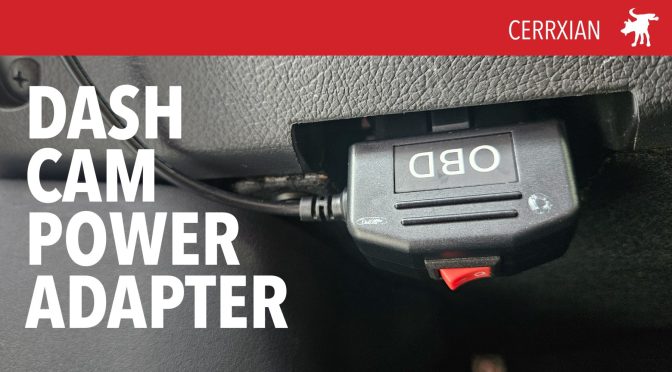
Cerrxian OBD dash cam power adapter


The Cerrxian budget power adapter allows you to run your dashcam 24/7 with the engine off. The power adapter plugs into the OBD (On-Board Diagnostic) port of your car. This is the serial data port mandated on all new cars since 1996 to allow service mechanics to read a car’s sensors for emissions and mechanical faults.

The Adapter plugs directly in the OBD port and has an approximately 9ft USB-C cable, which supplies 6v of power to your dash cam. It has a red switch the “O” sets the unit into ACC mode which is similar to using a standard 12v USB adapter, with the power stopping 10-200 seconds after the engine is turned off. The “–” mode sets the adapter to Surveillance mode, powering your dash cam even after the engine has been turned off. To prevent over-draining the battery, the OBD adapter has an auto-cut off if the battery current falls below 11.6v.

In my testing over multiple days, my dash cam was able to continue recording overnight. I had no trouble starting the car the next morning. This OBD adapter is affordable at under $20 and a lot easier to set up than directly wiring your dash cam to your car’s battery or patching it through your car’s fuse box.

SHOP

ODB Adapter Amazon https://amzn.to/4eAJVfr

DASH CAMS

Orbit D400 https://youtu.be/CSBGCBS7f4w

Vueroid S1 https://youtu.be/KUDmC-CC3lk
DIY Polarizer Filter for Security Cam

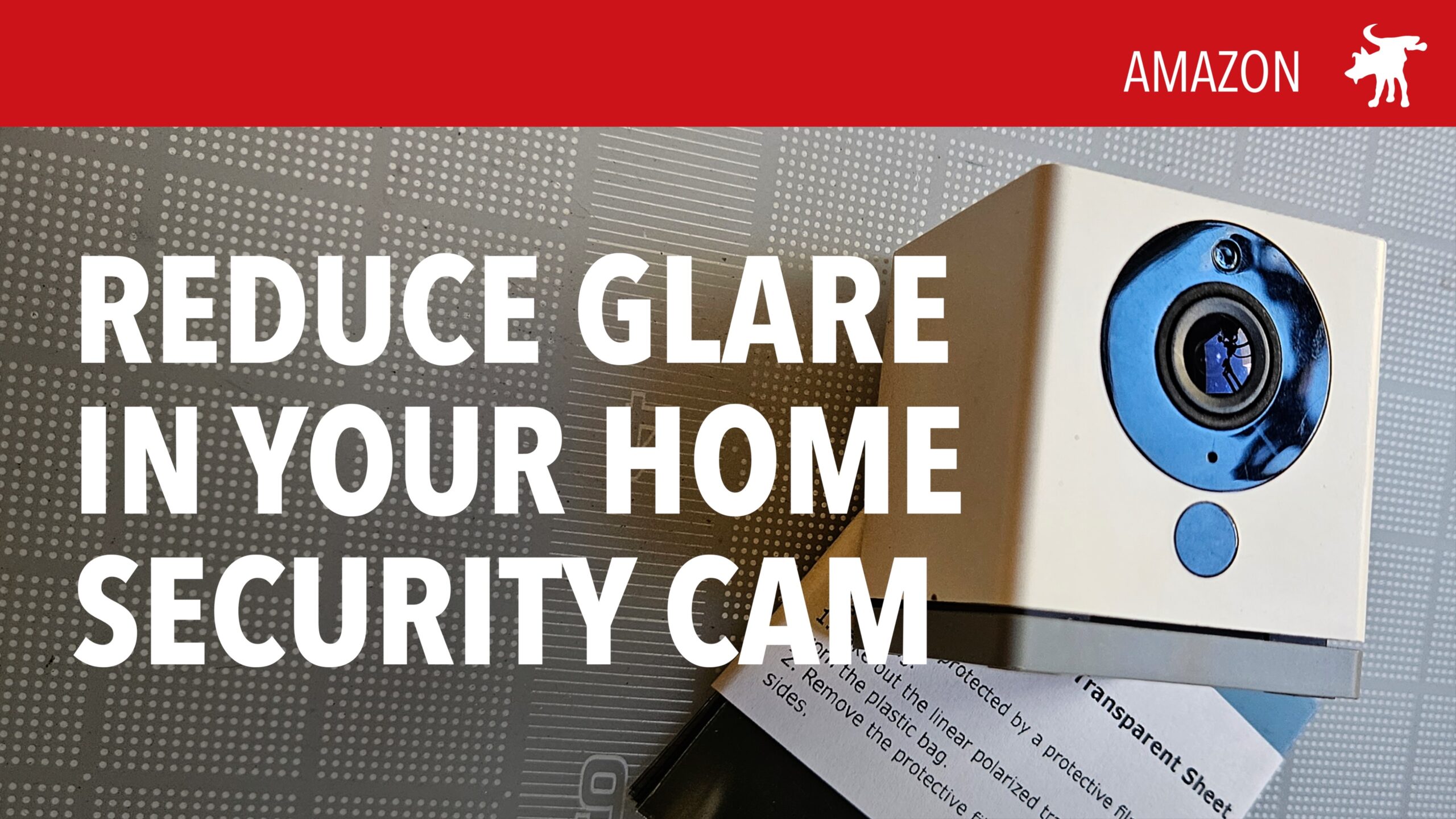
I have USB powered WiFi security cams around the house, including one on my second floor overlooking the street. It’s an 80 year old home so it doesn’t have outdoor power outlets and I didn’t want to drill a hole in the walls to snake a USB cable through to power an external outdoor cam. Instead, I mounted my Wyze cam indoors in my window.

Unfortunately my window mounted cam gets a lot of glare and unwanted reflections. Taking an idea from the world of photography, I wondered if I could somehow attach a polarizing filter to the cam. Polarizer filters restrict the angle of light that enters a lens. This reduces the overall amount of light entering a camera but it also significantly reduces glare and reflections in a photo or footage.

Polarizing filter sheets are available from most photo and camera stores (though there are fewer and fewer of those). I purchased a pack of polarizing filter sheets from the Photography section on Amazon. These are thin square sheets of plastic film that appear tinted.

By placing this film at 90º or 45º to the axis of your camera, you can reduce perceived glare and reflections. Some experimenting is required to get the best results. I cut off a piece of filter just large enough to cover my cam lens then taped it down.

One re-mounted, I found that the film did not entirely remove all of the reflections but it reduced it noticeably. Furthermore shadow areas in the scene were enhanced and the overall scene had greater contrast and detail. The only downside is that it reduces night/low-light performance slightly with more blurs and digitizing of night footage. I think the trade-off is worth it. This 5-minute DIY hack works on any home security cam and also works on car dash cams.

10-PACK POLARISING SHEETS vailable on Amazon through this affiliate link: https://amzn.to/46eRe6i

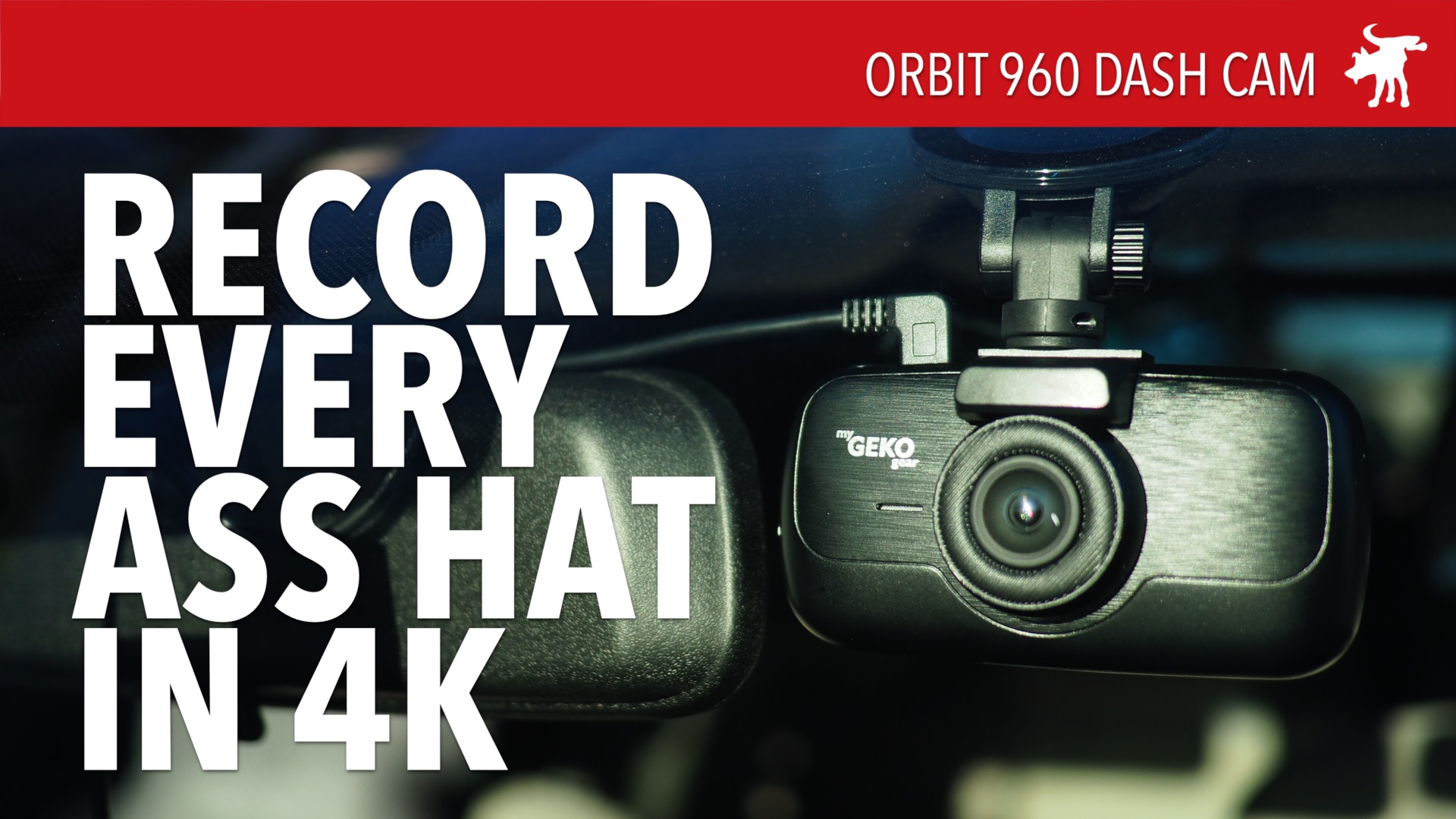
Orbit 960 4K Dash Cam Review

I’ve been using a Veckle Mini 0906 dashcam for the last two years which I’ve been satisfied with but after using this Orbit 960, it’s blown my old cam away. The display had me a little worried because it didn’t look too sharp. But after I pulled the files onto my computer to review, the level of detail was amazing.

My only complaint is that the tail-gate and lane change warning features don’t seem to work. Or I couldn’t figure out how to make them work? One of its best features is probably the extra sticky suction cup.

Purchase this cam through Amazon through this link to help support us: https://amzn.to/3iSfTZx